Record
Capture screen, camera, microphone and system audio.
Camtasia turns screen recordings into polished training, demos and instructional video — with professional editing tools that do not require a production background.
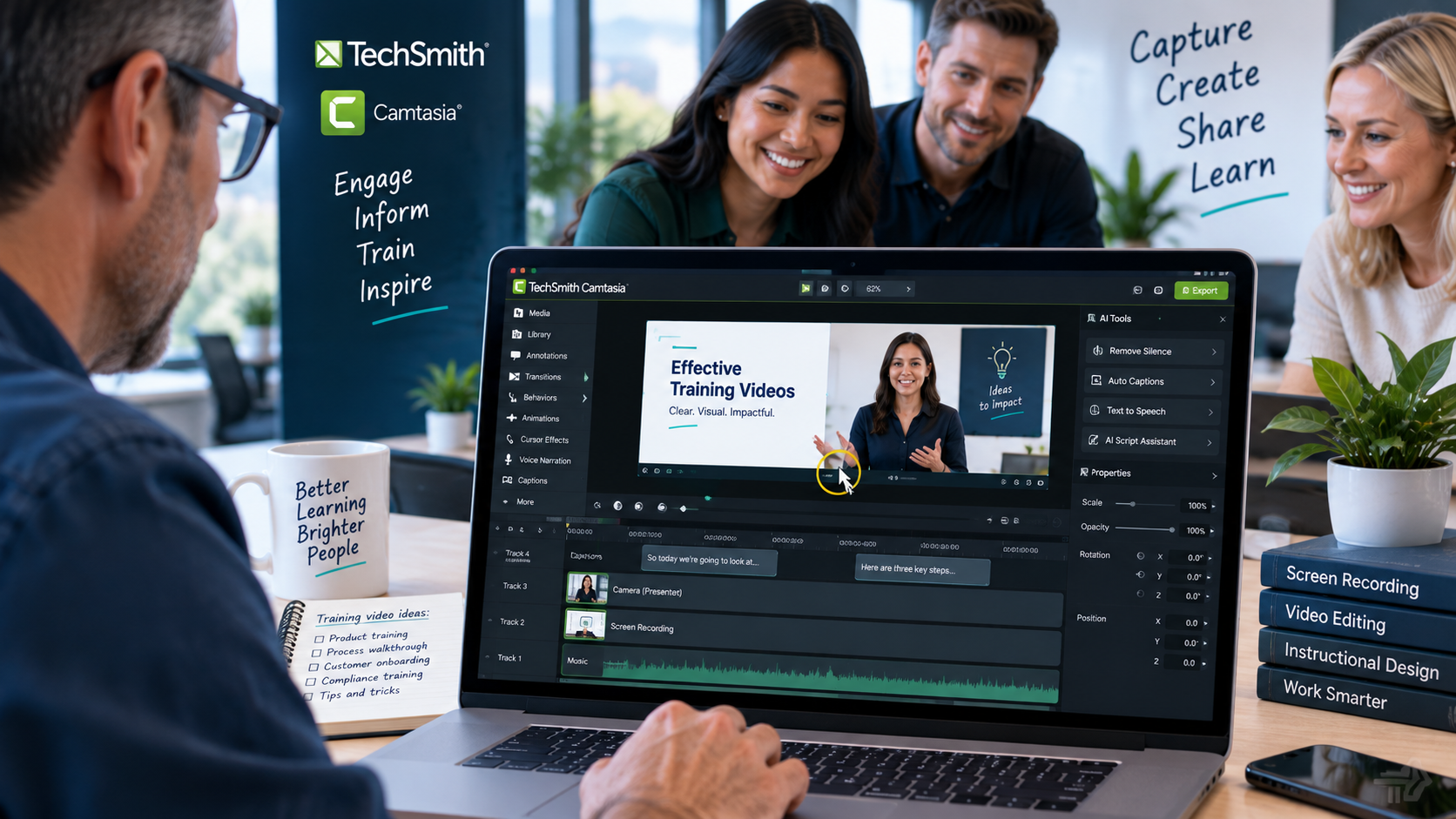
Camtasia combines recording and editing in one workspace, so the same project can move from raw capture to a finished training, demo or onboarding video.
Capture screen, camera, microphone and system audio.
Trim mistakes, rearrange media and work across multiple tracks.
Add zooms, cursor effects, captions, callouts, layouts and branding.
Export video, share online or package interactive learning content.
Use the video for a closer look at the editor controls; the showcase above gives the broader product story.
Camtasia is strongest when the screen itself is part of the learning experience — software training, processes, onboarding, demonstrations and instructional content.
Turn processes, software and presentations into polished instructional video.
Record screen, camera, microphone and system audio, then refine the result on a multitrack timeline.
Create repeatable video content for new staff, product education and internal communication.
Add captions, quizzes and SCORM-ready output for structured learning workflows.
Record the source material, refine it on the timeline, add the visual polish learners need, then publish to the right destination.
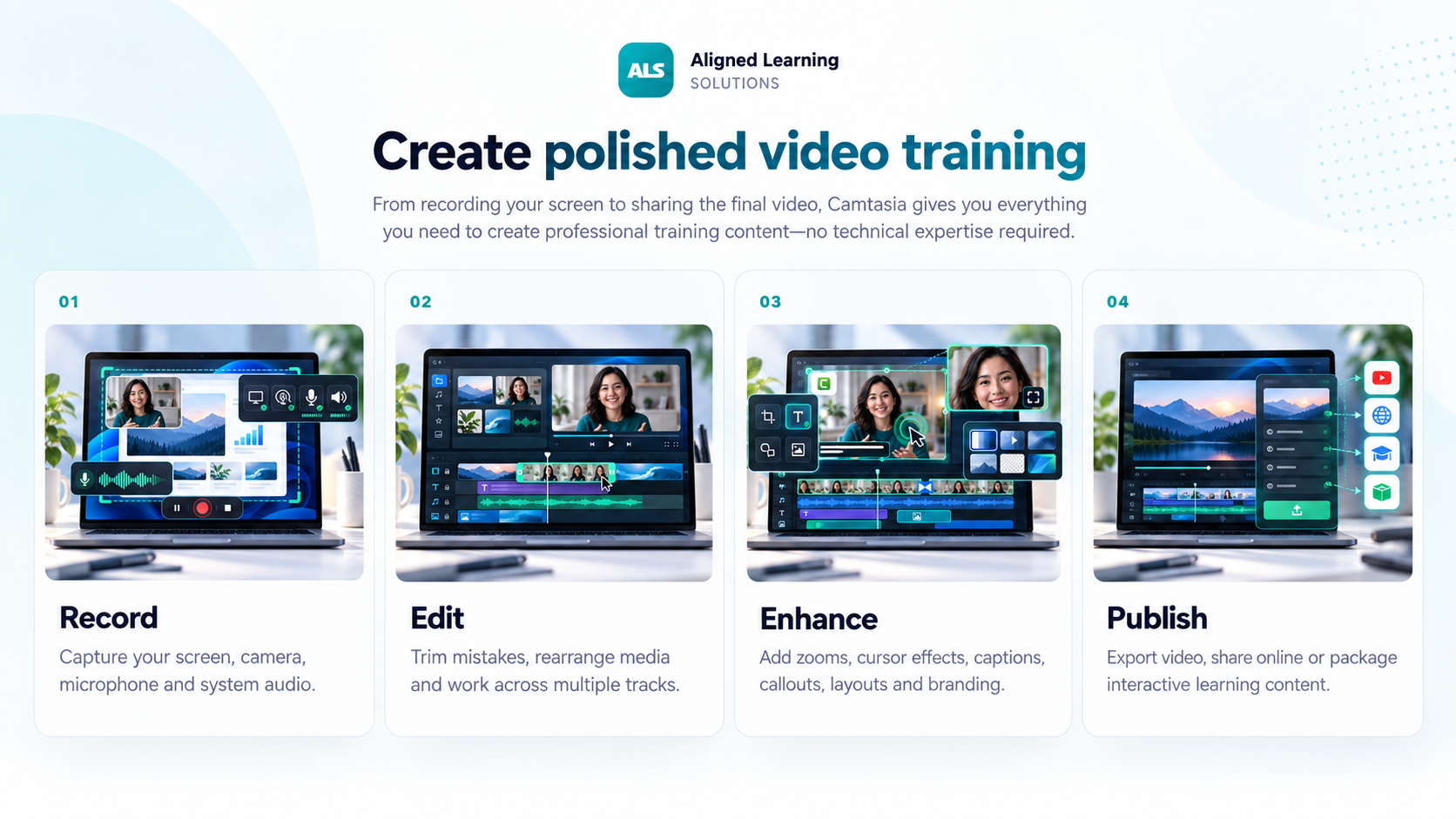
Record or import media, then refine the video on a multitrack timeline. Camtasia Editor adds cursor emphasis, SmartFocus, annotations, transitions, captions, audio workflows and reusable visual assets.
Work with screen, camera, audio, images and other media independently.
Guide attention with cursor effects, zooming, SmartFocus and visual emphasis.
Use transcription and Audiate workflows to clean speech and speed up editing.
Add captions, quizzes and SCORM reporting where your delivery workflow requires it.
Camtasia Online provides browser-based screen and camera recording with collaborative editing and link sharing. Start quickly online, then move into Camtasia Editor when the project needs more production control.
Explore Camtasia OnlineEvery current Camtasia plan includes Snagit. The main difference is how far you need to go into editing, audio, generative tools, localisation and premium production assets.
Snagit, SOP/guide creation, quick screen video and entry into the Camtasia workflow.
Full Camtasia Editor, Audiate, multitrack video, captions, quizzes and SCORM workflows.
Everything in Essentials plus AI-assisted scripting and expanded voiceover capabilities.
Higher-end AI and media capabilities for teams producing more sophisticated video content.
Snagit 2026 can send recordings into Camtasia Editor, while Step Capture content can be used to accelerate training-video creation. Start with the fastest tool and move up only when the content needs more production.
Explore SnagitUse Snagit when the job is visual explanation and documentation. Use Camtasia when that explanation needs editing, sequencing, audio, branding and formal video delivery.
Indicative NZD and AUD conversions from TechSmith's current USD annual individual prices.
Advanced screen capture
Full video and audio editing
AI-assisted video creation
Scaled professional production
Individual subscriptions are non-transferable. TechSmith offers team/business purchasing for organisations that need seat reassignment and larger quantities; ALS can quote the appropriate business option.
Converted from TechSmith's current USD individual list prices using a fallback FX rate (2026-09-23). Indicative only; TechSmith local checkout pricing, GST/tax and the final ALS quote may differ. Snagit remains available separately and is also included in every Camtasia plan.
ALS can help New Zealand and Australian organisations choose the right Camtasia plan, licensing model and quantity rather than paying for capabilities the team will not use.
We can help with local purchasing, plan selection and team licensing.
Request a Camtasia quote